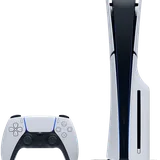
Start with the games you already own. Sony says the overwhelming majority of PS4 titles work on PS5, although some features can differ and individual games may have problems. Its compatibility guide maintains the exceptions. You do not need to rebuy a compatible PS4 game simply because you changed consoles.
Before moving a large library, choose one familiar game and confirm three things: it launches, it recognizes your progress, and it is the version you intended to install. That small trial is more useful than discovering a missing save after packing away your PS4.
Backward compatibility and a PS5 upgrade are different
| What you want | What to check |
|---|---|
| Play the original PS4 release | Compatibility and access to your disc or digital purchase. |
| Use a native PS5 release | A specific upgrade offer, cross-generation entitlement, or separate purchase. |
| Continue your progress | The correct save file, plus any game-specific import process. |
A compatible PS4 game remains the PS4 version when running on PS5. Selected titles benefit from Game Boost, which can improve frame-rate consistency or performance; this is not a promise that every game becomes 60 FPS. Check the game's own patch information before expecting a particular result. Sony explains Game Boost and compatibility limitations here.
If your priority is finishing an existing playthrough, first establish that the PS4 version works well. Then decide whether the native edition offers improvements you actually value. A new download is not automatically the best starting point when continuity matters most.
Install the copy you already have
For digital purchases, sign in with the purchasing account and open Game Library > Your Collection. Select the game and download it. Sony's download instructions also explain how to find separately installed add-ons. If the library contains several editions, inspect the platform label before starting a large download.
For a PS4 disc, you need a PS5 with a compatible working disc drive. Insert the disc, allow installation and any required update, and retain the disc for launch checks. Copying the game does not convert it into an independent digital purchase. Our disc-versus-digital guide explains the hardware distinction, including Digital Edition models.
Read the upgrade offer before accepting it
Eligible upgrades can be free, paid, or time-limited. For disc-based offers, Sony requires a matching disc/account country or region and the original disc whenever you play the upgraded game. PS Plus copies are not upgrade-eligible unless the offer explicitly says otherwise. These conditions come from the official upgrade guide.
- Open the game hub using the account that owns the digital game, or insert the eligible disc.
- Read the offer's platform, edition, included content, and price.
- Check the publisher's save-transfer instructions before removing either version.
- After installation, use the game's additional options to choose the PS4 or PS5 version.
A US account, a UK retailer, and an imported European disc are three different pieces of information. Do not infer compatibility from the language on the cover. Follow the region-check workflow when the upgrade or add-on is missing.
Move progress separately from the game
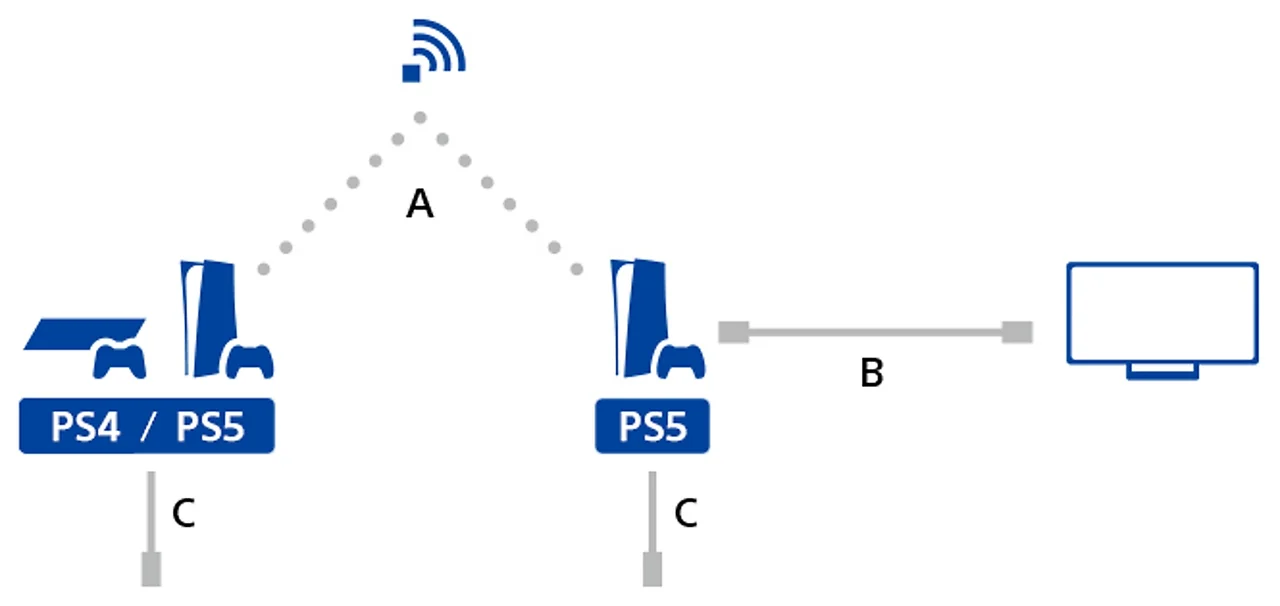
Sony supports console-to-console data transfer. Prepare both systems with current software, sign in to the same account, synchronize trophies, and connect them to the same network. On the destination PS5, the route is Settings > System > System Software > Data Transfer. Keep both consoles powered throughout; interrupted transfers can damage data. See the current transfer instructions.
Moving a PS4 save to a PS5 console and converting it for a native PS5 edition are different operations. Sony states that cross-version save support is determined by each developer. Its PS5 FAQ explains that distinction; follow the publisher's current instructions for the actual game.
Keep the original save until you have loaded the expected character or chapter and made a new, verified save on the destination. Compare playtime and progress, not just the presence of a file. Our save-backup guide covers cloud copies and other transfer methods.
Keep the migration manageable
A compatible USB extended-storage drive already used by a PS4 can connect to PS5 without reformatting, and PS4 games can run directly from it. PS5 games stored on USB must be moved back to supported playable storage. Sony documents both cases in its USB storage guide.
Move your current games first, then add the rest as needed. This leaves room to compare versions and avoids a library full of duplicate installations before you know which ones you will keep.
Sources
Official documentation and publisher information checked on 26 October 2026. Availability and features can vary by country, game, and system version.