QSSR brings Sony's AI-assisted upscaling to PS5, while PSSR is the corresponding technology associated with PS5 Pro. Neither label tells you a game's frame rate, guarantees a particular resolution, or means every title in your library has changed. Start with the console, the installed game update, and the graphics mode you can actually select.
What is the difference?
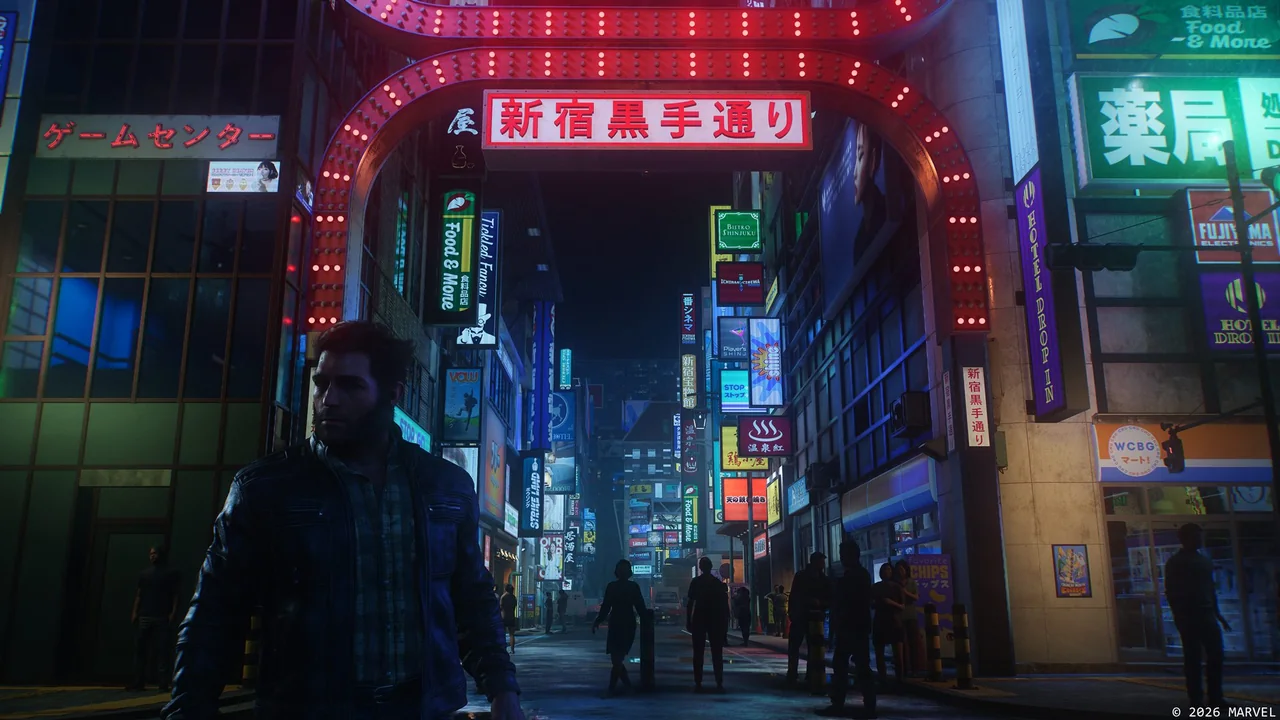
Sony announced Quick Spectral Super Resolution, or QSSR, on October 1, 2026. It uses a streamlined neural network and an implementation designed for PS5. The announcement identifies Marvel's Wolverine and Ghost of Yōtei as its first supported games, with QSSR added as an optional graphics setting. This is game integration, not a promise of an automatic upgrade for every PS5 title. Sony's QSSR announcement.
PSSR stands for PlayStation Spectral Super Resolution. Sony's technical explanation connects it to PS5 Pro's machine-learning hardware. It is one part of that console's graphics system alongside its GPU and ray-tracing capabilities; a comparison between two consoles cannot attribute every visual difference to the upscaler alone. PS5 Pro technical overview.
| Question | QSSR | PSSR |
|---|---|---|
| Relevant console | PS5 | PS5 Pro |
| Where to start | A supported game's graphics options | A supported game's Pro modes and current system settings |
| What still needs checking | Patch, selected mode, and the developer's stated targets | Patch, PSSR implementation, selected mode, and stated targets |
| What the name cannot establish | A universal frame rate, native rendering resolution, or freedom from artifacts | |
Upscaling is different from generating frames
Upscaling reconstructs a higher-resolution image from a lower-resolution input. Frame generation creates additional frames between rendered ones. The names QSSR and PSSR refer to image reconstruction; neither is evidence that a game includes frame generation. Likewise, a television receiving a 4K signal does not establish that the game rendered every scene natively at 4K.
Think of the rendering budget as a set of developer choices. Time saved on one part of image production may be spent on detail, effects, a higher frame-rate target, or a combination. A better reconstruction method can also be adopted primarily to improve image stability. Read the developer's description of the entire mode rather than assigning a fixed FPS improvement to an acronym. Our PS5 graphics-settings guide explains how output refresh rate and game frame rate differ.
A dated support snapshot
The table lists confirmed examples, not an exhaustive compatibility database. A game appearing here is not a claim that every mode uses the same reconstruction path.
| Technology | Examples | Evidence |
|---|---|---|
| QSSR | Marvel's Wolverine; Ghost of Yōtei | October 1 launch announcement |
| Upgraded PSSR | Resident Evil Requiem | February 27 announcement |
| Upgraded PSSR | Final Fantasy VII Rebirth; Silent Hill f; Monster Hunter Wilds | March 16 rollout |
Sony's March announcement distinguishes developer integration from the system option for existing PSSR-compatible games and notes that results can vary. Current support documentation places Enhance PSSR Image Quality under Settings → Screen and Video → Video Output on PS5 Pro. If it creates unwanted visual effects, compare with it disabled. It does not turn an unsupported game into a PSSR title. Current video-output settings.
How to compare image quality fairly
- Record the baseline. Note the console, game version, graphics mode, output resolution, and relevant enhancement switches. Keep the same display picture mode.
- Use a repeatable scene. Find fine geometry, vegetation, hair, signs, and a mix of bright and dark surfaces. Use the same save and camera position.
- Check motion. Pan slowly, then move through the scene normally. Look for unstable edges, trails behind moving objects, or detail that appears and disappears. These are inspection points, not claims that either technology always exhibits them.
- Separate clarity from responsiveness. Judge control response while playing. A sharper still image alone cannot establish steadier frame delivery.
- Return to normal viewing distance. A magnified screenshot can reveal a difference that has little effect on your actual play session.
A streamed comparison video adds its own compression, and two different scenes introduce too many variables. Prefer synchronized examples with patch and mode information. If those details are absent, treat the comparison as an illustration rather than a purchase verdict.
Which option should you use?
Try the supported option on the hardware you already own, then keep the mode that provides the balance you prefer. If motion looks cleaner but the overall mode feels less responsive, compare the game's alternatives rather than assuming upscaling alone caused the trade-off. Do not buy a different console for an unannounced mode in a future game; our GTA VI PS5 guide separates confirmed features from missing technical details.
Sources
Official documentation and publisher information checked on 26 October 2026. Availability and features can vary by country, game, and system version.